Few apps have become as deeply woven into our daily lives as Google Maps. Whether you're navigating unfamiliar city streets, hunting for a restaurant with good reviews, or simply checking how long your commute will take, this app has likely earned a permanent spot on your home screen. With an astonishing 18.87 million reviews on the Google Play Store, it's clear that Google Maps isn't just popular—it's practically infrastructure at this point. But no app is perfect, and the user reviews tell a fascinating story of triumph and frustration alike. Let's dive into what makes Google Maps indispensable, where it sometimes stumbles, and how to get the most out of it.
Navigation That Adapts to Your Life
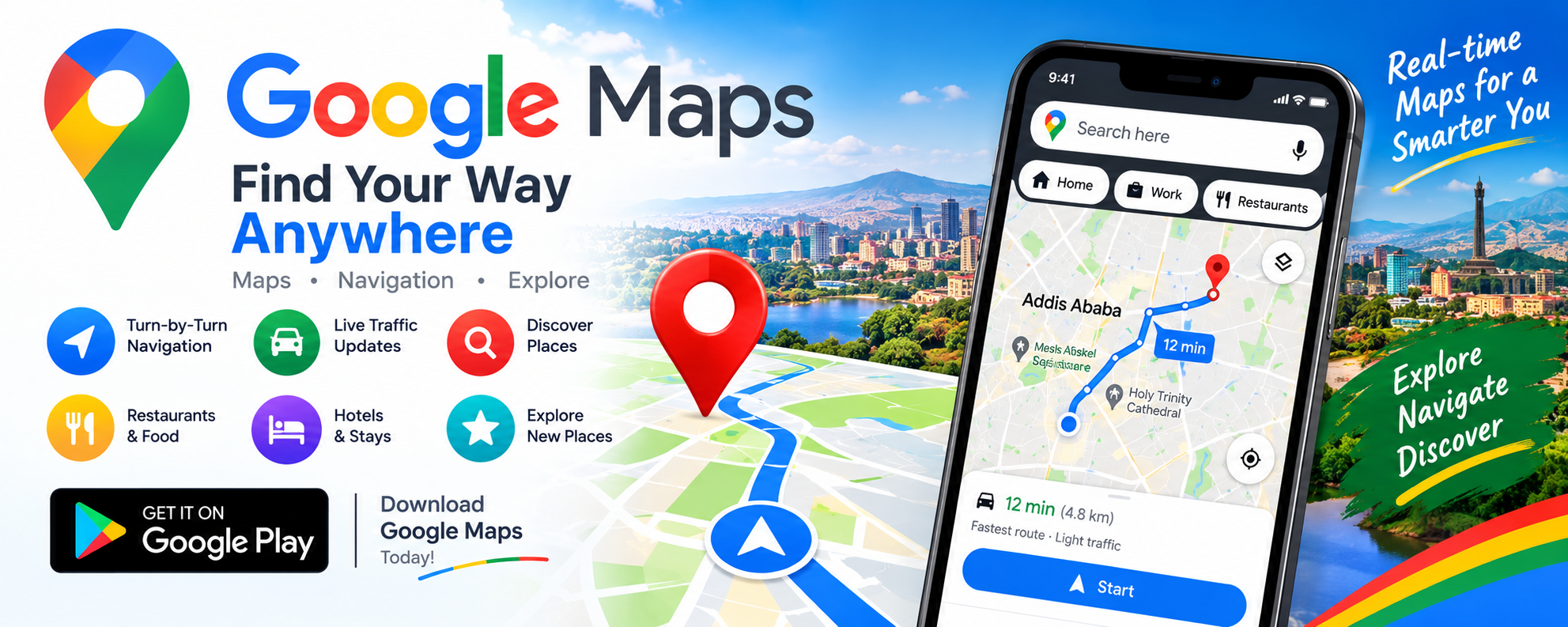
At its core, Google Maps is a navigation tool, and it excels at getting you from point A to point B—with plenty of flexibility along the way. The app supports driving, walking, cycling, and public transit, offering real-time traffic data and GPS guidance for each. What really sets it apart is how intelligently it adapts. The app automatically reroutes you around accidents and road closures, saving precious time you didn't know you had. It even offers an eco-friendly route option for those looking to reduce fuel consumption, a small but meaningful nod to sustainability. Voice prompts guide you turn by turn, and live transit updates make catching a bus or train feel far less like a guessing game.
Discovery: More Than Just Directions
Google Maps has evolved far beyond simple wayfinding—it's now a full-fledged discovery engine. With information on over 250 million businesses and places, you can research restaurants, shops, and everyday essentials before you ever leave home. The features here are genuinely impressive:
- Reviews and photos from real users to help you decide where to go
- Busyness indicators so you can avoid crowds at popular spots
- Restaurant filters by cuisine, hours, price, and rating
- Questions and answers about menu items, parking, and more, answered quickly in-app
- Saved lists of favorite places that you can share with friends and family
Whether you're a tourist planning an itinerary or a local looking for a hidden gem, these tools make exploration feel effortless and informed.
Immersive Features That Preview Your Journey
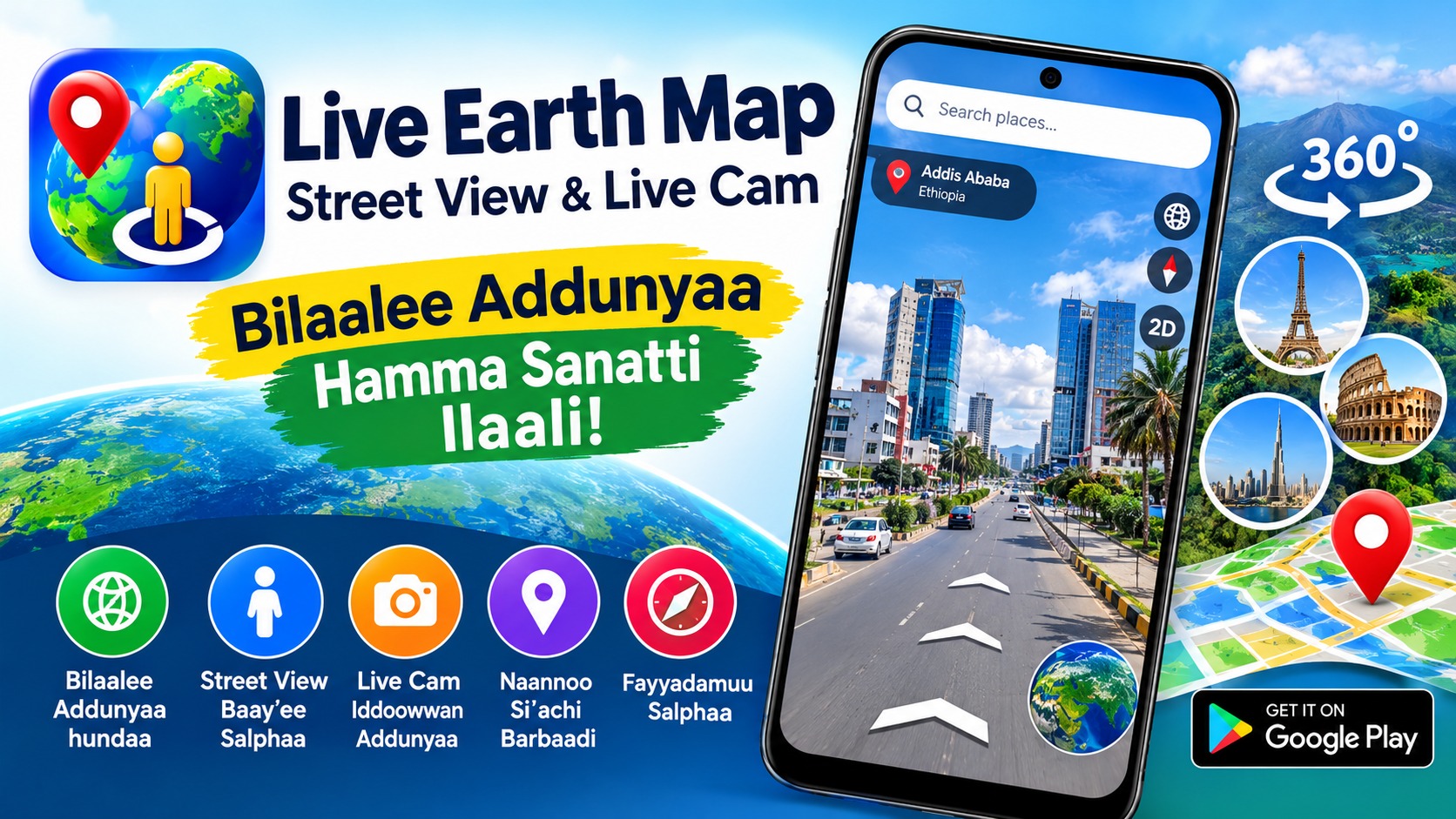
One of Google Maps' most delightful innovations is its preview capability. Using Street View, you can scope out parking lots, entrances, and landmarks before you arrive—a lifesaver when visiting somewhere new. The Immersive View mode takes this further, letting you experience how landmarks, parks, and routes actually look, complete with weather conditions, so you can prepare appropriately. Add in offline maps for areas with poor signal, and you've got a toolkit that covers nearly every travel scenario. The app also integrates with Wear OS devices, offering tiles and complications for quick searches and navigation from your wrist—a nice touch for smartwatch users on the go.
Where Google Maps Falls Short
For all its strengths, Google Maps isn't without critics, and the user reviews reveal some legitimate pain points. One reviewer praised the app as the best navigation software they'd ever used, highlighting clear voice prompts, offline maps, and accurate global place listings. But others tell a different story. A user complained about missing voice alerts and turn-by-turn prompts at intersections, calling the app unfriendly to new drivers. Another recounted a frustrating experience in Singapore's Marina Bay Sands area, where the app repeatedly planned the longest walking route, deliberately detouring and causing a significant delay. These complaints highlight an important truth: while Google Maps is powerful, its routing algorithms and feature availability can vary by region and use case.
Privacy and Data: What You're Trading for Convenience
It's no secret that Google Maps collects data—and plenty of it. According to the app's data safety disclosure, it may collect location information, personal information, and 10 other categories of data. On the positive side, the listing states that data is encrypted in transit, that you can request the developer to delete your data, and that the app has undergone an independent security review. Notably, the developer declares that no data is shared with third parties. Still, for privacy-conscious users, it's worth understanding that using a free navigation app means trading some personal data for the service. Reading the data safety section carefully—and adjusting your location settings—is a smart habit for anyone concerned about digital privacy.
Tips for Getting the Most Out of Google Maps
Whether you're a longtime user or a curious newcomer, a few practical strategies can elevate your experience:
- Download offline maps before traveling to areas with unreliable connectivity
- Check busyness indicators before heading to popular restaurants or attractions
- Use saved lists to organize favorite spots and share recommendations with friends
- Preview destinations with Street View to spot entrances and parking ahead of time
- Verify routes in unfamiliar areas, especially for walking directions in tourist-heavy zones
- Report errors when you spot them—contributions from users help improve the map for everyone
These small habits can help you sidestep common frustrations and unlock the app's full potential.
The Verdict: An Essential App With Occasional Blind Spots
Google Maps remains one of the most powerful and versatile apps available today. Its combination of real-time navigation, rich place discovery, and innovative preview features makes it invaluable for daily commutes, road trips, and international travel alike. That said, the app isn't infallible—routing quirks, missing features in some regions, and varying experiences across devices mean it's wise to keep your expectations grounded. For most users, the benefits far outweigh the drawbacks, and the app's continuous updates suggest ongoing improvement. If you haven't explored everything Google Maps has to offer lately, it might be time to take a fresh look. After all, in a world that's always moving, having a reliable guide in your pocket isn't just convenient—it's essential.