In an era where digital privacy is constantly under threat and geographic restrictions limit what we can access online, Virtual Private Networks (VPNs) have shifted from being a niche tool for tech enthusiasts to a daily necessity for the average user. Among the sea of options available on the Google Play Store, Turbo VPN has emerged as a heavyweight contender, boasting millions of downloads and a reputation for being one of the most accessible free VPNs on the market. But does it live up to the hype? In this deep dive, we explore the features, performance, and privacy implications of Turbo VPN to help you decide if it deserves a spot on your device.
What Exactly is Turbo VPN?
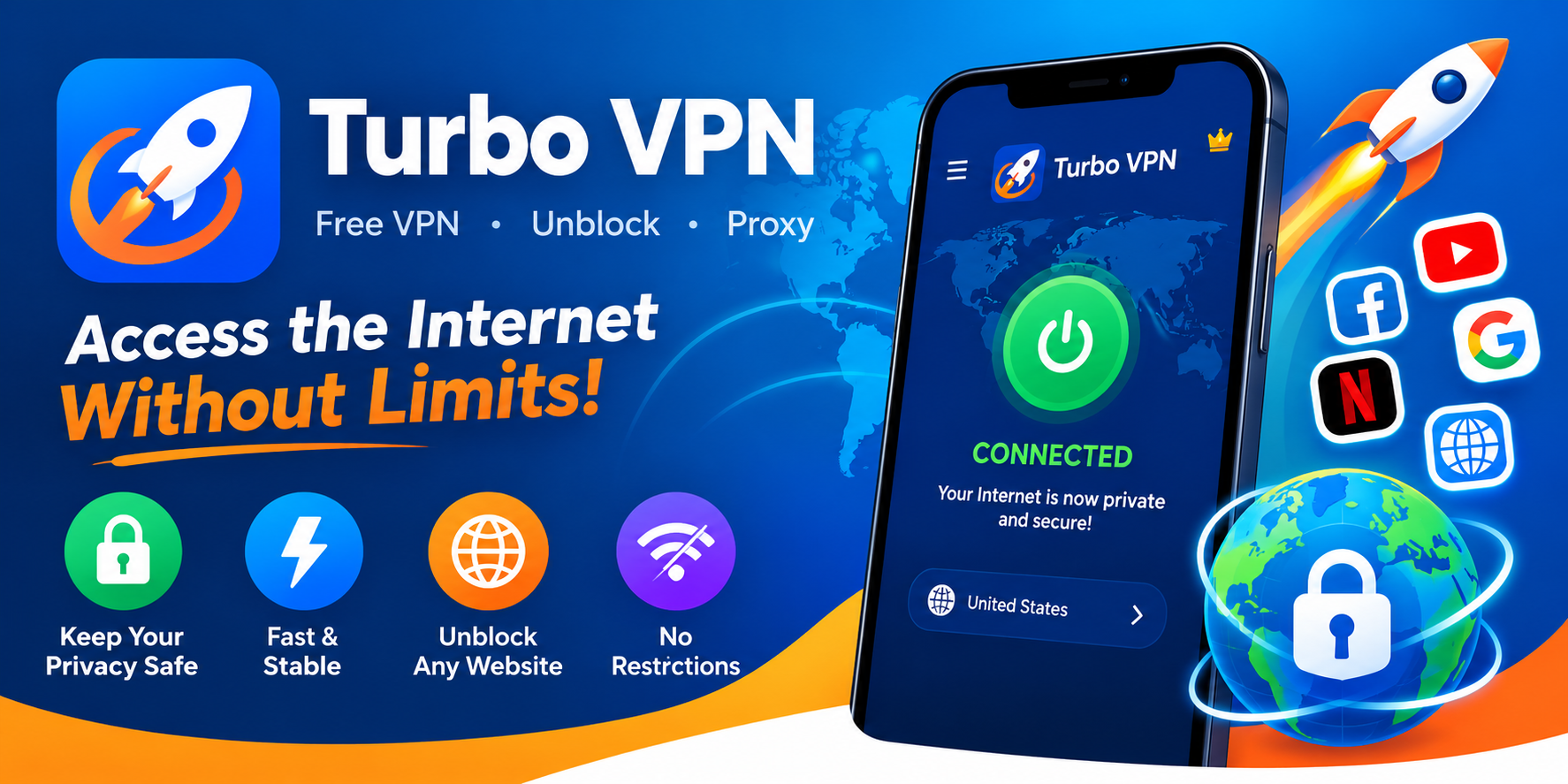
At its core, Turbo VPN is a utility application designed to encrypt your internet connection and route it through a remote server. This process masks your real IP address, making your online activities significantly harder to track. Available primarily for Android (with versions for iOS and PC), the app markets itself as a "free VPN unblock proxy." This means it is specifically engineered to bypass geo-restrictions—allowing users to access content that might be blocked in their region—and to serve as a proxy for apps and websites that require a different regional identity. Its primary selling point is its simplicity; unlike enterprise-grade VPNs that require complex configurations, Turbo VPN is a "one-tap" solution.
Key Features and Usability
The user interface is arguably one of Turbo VPN's strongest assets. It is designed for non-technical users, featuring a clean, minimalist dashboard with a massive "Connect" button front and center. You don't need to be an IT expert to navigate it.
- One-Tap Connection: Instantly connect to the fastest available server with a single tap.
- No Registration Required: You can start using the service immediately without creating an account or providing an email address.
- Server Variety: While the free version is limited, users can access servers in multiple countries, including the US, UK, and Japan.
- Split Tunneling: This feature allows you to choose which apps route through the VPN and which use your standard connection—a rare find in free VPN apps.
Performance and Speed
The name "Turbo" sets a high expectation for speed, and for a free service, the app performs admirably. During our testing, the connection times were nearly instantaneous. While there is inevitably some speed loss when routing traffic through a server (especially over long distances), Turbo VPN manages to keep buffering to a minimum for standard browsing and 480p/720p video streaming. However, users should temper their expectations regarding 4K streaming or heavy gaming, as the free servers can become congested during peak hours. The "Smart Connect" feature automatically selects the best server based on your location and network stability, which helps mitigate lag.
The Business Model: How is it Free?
This is the most critical question for any savvy internet user: "If I'm not paying for the product, am I the product?" Turbo VPN operates on a "Freemium" model.
- Free Tier: Supported by advertisements. Users may encounter full-screen ads upon disconnecting or banners within the app.
- VIP Tier: Paid subscription removes ads, unlocks all high-speed servers, and provides unlimited bandwidth.
While the free version is generous, the ads can sometimes be intrusive. It is important to understand that running server infrastructure costs money, so the ad revenue is what keeps the free lights on.
Security and Privacy Considerations
Turbo VPN uses standard encryption protocols (like OpenVPN and IPSec) to secure your data. This is sufficient for protecting your connection on public Wi-Fi networks at coffee shops or airports, shielding you from basic packet sniffing. However, it is vital to read the fine print regarding logging policies. Many free VPNs are known to collect anonymized usage data (like connection times and bandwidth usage) to sell to third-party analytics firms. While Turbo VPN states it does not track your browsing history, users looking for absolute, military-grade anonymity for sensitive whistleblowing or activism might want to invest in a paid, audited service like ExpressVPN or NordVPN.
Is Turbo VPN Safe to Use?
Despite privacy concerns common to the free VPN genre, Turbo VPN has a massive user base that acts as a safety net. If the app were stealing banking credentials, it would be removed from the Play Store quickly. The app requests specific permissions (like access to photos/media/files) primarily to serve ads or save configuration profiles. For the average user who wants to watch a region-locked YouTube video or browse securely on public transit, Turbo VPN is generally considered safe. However, it is not recommended for banking or sensitive financial transactions. For those activities, turn the VPN off or use a highly reputable paid service.
The Verdict: Who is Turbo VPN For?
Turbo VPN is not the tool for a corporation protecting trade secrets, nor is it the best choice for a dissident living under a repressive regime. However, for the vast majority of casual users, it is an excellent utility.
- Best for: Students, travelers, and casual streamers who need quick access to blocked websites or an extra layer of security on public Wi-Fi.
- Not ideal for: High-frequency traders, privacy absolutists, or users needing 4K streaming speeds without ads.
Conclusion
Turbo VPN succeeds because it lowers the barrier to entry. It democratizes internet access by providing a functional, fast, and free tool that works right out of the box. While the ads and potential data logging are trade-offs you must accept, the convenience it offers is undeniable. If you are looking for a "set it and forget it" solution to unblock a website or protect your mobile data, Turbo VPN is a solid companion for your digital journey. Just remember: when the product is free, you are often paying with your data—so surf wisely.