Why Call Recording Has Become an Everyday Essential
Not long ago, recording a phone call felt like something only journalists or legal teams did. Today, it's a practical tool for anyone who juggles client calls, remote meetings, or family logistics. Whether you're a freelancer confirming project details with a client, a student capturing a phone interview, or simply someone who keeps forgetting the address of a dentist appointment, having a reliable record of the conversation can save hours of confusion.
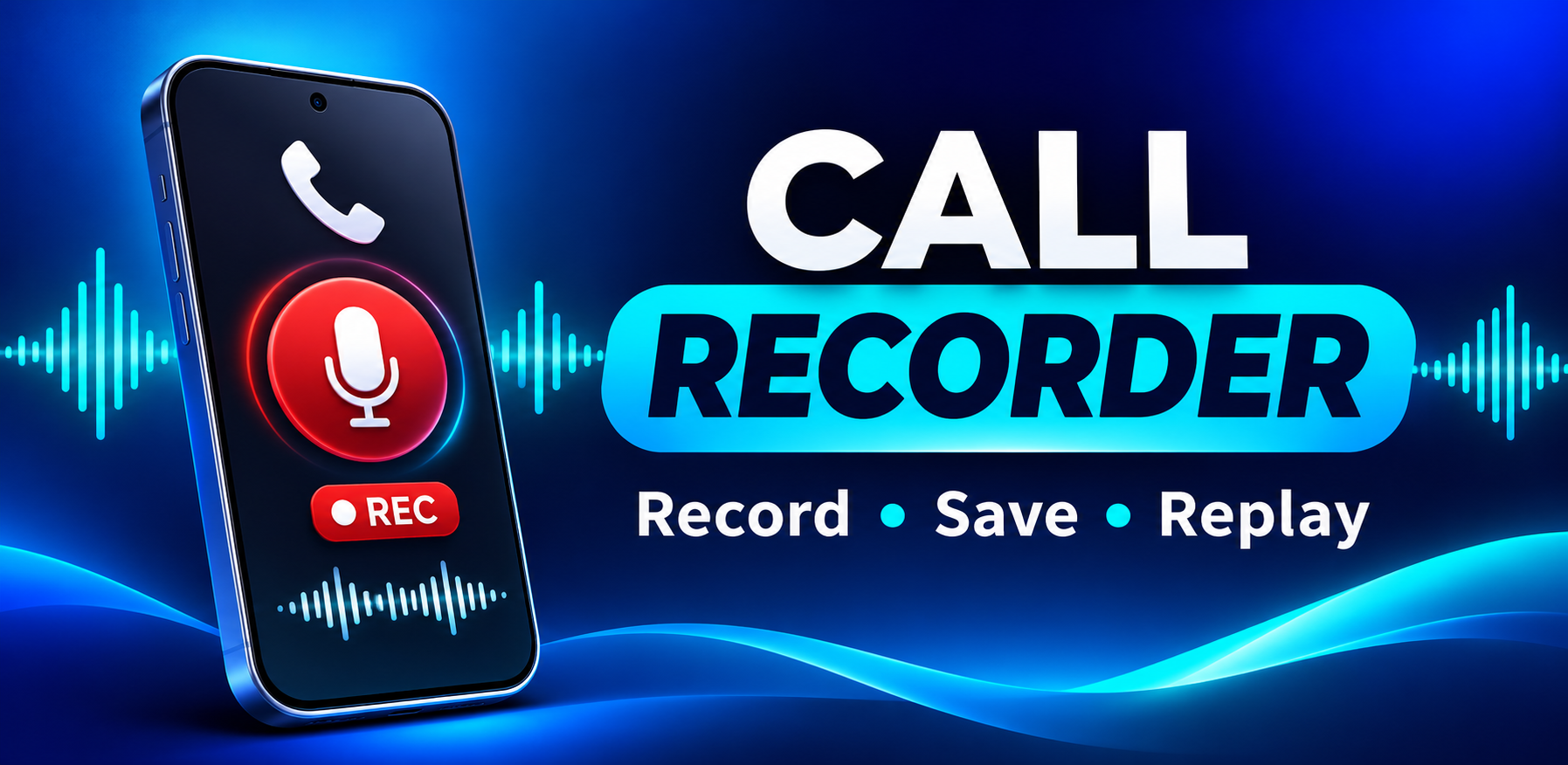
That's where dedicated Android call recording apps come in. The Call Recorder app on Google Play takes a straightforward approach: it automatically records incoming and outgoing calls in clear HD audio and also doubles as a general-purpose voice recorder. In this post, we'll walk through what the app offers, who it's best suited for, and the practical details you should know before installing it.
Automatic Recording That Works Without You Thinking About It
The headline feature here is automation. Once you enable automatic call recording, the app quietly captures supported incoming and outgoing calls and files them away in your phone's recording library. You don't need to press anything mid-conversation — which is exactly the point, since fumbling with your phone while talking is both awkward and distracting.
What makes the automation flexible is the level of control it gives you:
- Record everything — all supported calls are captured automatically.
- Record selected contacts only — useful if you only need work calls or specific clients.
- Use an ignore list — exclude numbers you never want recorded, like personal friends or sensitive lines.
- Manual mode — when auto mode is off, a single tap starts a recording.
Each recording is labeled with the contact name, phone number, and date, so you're not left guessing which "Unknown Caller" was which. For anyone who has ever scrolled through a messy folder of unlabeled audio files, that small detail matters more than it sounds.
Built for Clarity, Not Just Capture
A recording is only useful if you can actually understand it later. The app is optimized to capture clear voice audio on supported devices, and it intelligently selects the best audio source for each phone model. It also supports speakerphone, earpiece, and headset scenarios — important, because call audio behaves very differently depending on how you're holding the phone.
It's worth being realistic here: call recording quality on Android varies significantly by device, manufacturer, Android version, and even carrier. The app's own FAQ acknowledges this, noting that compatibility depends on those factors and recommending speakerphone if the other party's voice comes through too quietly. In other words, clarity is a priority in the design, but your mileage will depend on your hardware. That's not a flaw unique to this app — it's the reality of how Android handles call audio.
More Than a Call Recorder: A Full Voice Recorder
One of the more pleasant surprises is that the app isn't limited to phone calls. It includes a built-in voice recorder for memos, meetings, lectures, and interviews — the kind of everyday audio capture that people often install a second app to handle.
The recording features are genuinely thoughtful:
- Pause and resume from the notification bar, so you don't have to reopen the app mid-session.
- Background and lock-screen recording, meaning your screen can be off while you capture a long meeting.
- Noise reduction, echo cancellation, and automatic gain to keep audio consistent.
- Choice of quality, format (M4A, WAV, 3GP), and mono or stereo depending on your needs.
For students recording a lecture or professionals capturing a conference call on speaker, this turns the app into a two-in-one tool rather than a one-trick utility.
Managing Your Library Without the Headache
Recordings pile up fast, and a cluttered library is where most recording apps fall apart. This one offers a reasonably complete set of management tools: search, rename, favorite, share, and delete. You can also trim recordings to keep only the relevant portion — handy when a 45-minute call contains five minutes of actual decisions — and select multiple files at once for bulk sharing or deletion.
The ability to trim is particularly underrated. Instead of storing hours of small talk to preserve one key instruction from a client, you can cut the file down to the part that matters. Combined with favorites and renaming, it's enough organization to keep a growing archive usable without turning record-keeping into a second job.
Privacy, Security, and the Legal Conversation You Need to Have
The app takes a local-first approach to privacy: recordings are stored on your device, and the developer states that calls are not uploaded to their servers. You can lock the app behind a PIN or pattern, which adds a sensible layer of protection if you record client or personal conversations.
However, there are two important caveats you should weigh carefully:
- Legal responsibility is yours. Call recording laws vary by country and region — some places require consent from all parties. The app's own description explicitly states that you are responsible for complying with local law and obtaining consent where required. This isn't fine print to skim past; it's the single most important thing to understand before you record anyone.
- The data safety section deserves a close read. Google Play's listing notes that the app may share certain data types (including personal information and audio) with third parties, may collect device IDs, and states that data cannot be deleted. That last point sits in tension with the "stored on your device" messaging, so if privacy is a priority for you, it's worth reviewing the full data safety disclosure and the developer's practices before committing.
A good rule of thumb: use the app for legitimate, consent-based recording, and don't treat any recording app as a substitute for understanding your local laws.
Who Should Consider It — and What to Keep in Mind
Based on its feature set, the app fits a few clear use cases:
- Work: saving client calls, order confirmations, and customer service conversations.
- Study: recording interviews, lectures, and study-related calls.
- Daily life: remembering appointments, addresses, and family conversations.
It's a free app with a solid feature set and a large review base (over 6,800 ratings at the time of writing), and the recent update notes focus on stability, audio quality, and faster access to saved recordings — signs of active maintenance.
That said, go in with realistic expectations. Compatibility isn't universal across Android devices, audio quality depends on your hardware, and the privacy disclosures merit your attention. If you need guaranteed recording on a specific phone, test it early with a short call before relying on it for anything important.
The bottom line: this Call Recorder app is a capable, convenience-focused tool that automates the tedious parts of call recording and throws in a genuinely useful voice recorder. Use it thoughtfully, respect consent laws, and it can become one of those quiet utilities you wonder how you lived without.
Have you tried automatic call recording on Android? Share your experience — and your device compatibility tips — in the comments below.