We live in a world surrounded by microphones. Every app on your phone can request microphone access, and how many of them are actually recording without your knowledge? This isn't a sci-fi plot—it's a real privacy problem in the mobile era. Spyware, malware, and even some "legitimate" apps can quietly turn on your microphone the moment you put your phone down. Microphone Blocker was built to fight exactly this threat. With over 500,000 downloads and 10,300 reviews on Google Play, this Android app promises "one-tap microphone blocking" without root access. But how reliable is it really? Can it truly protect your privacy? Let's take a deep dive.
One-Tap Blocking: Simple, Brutal, and Effective
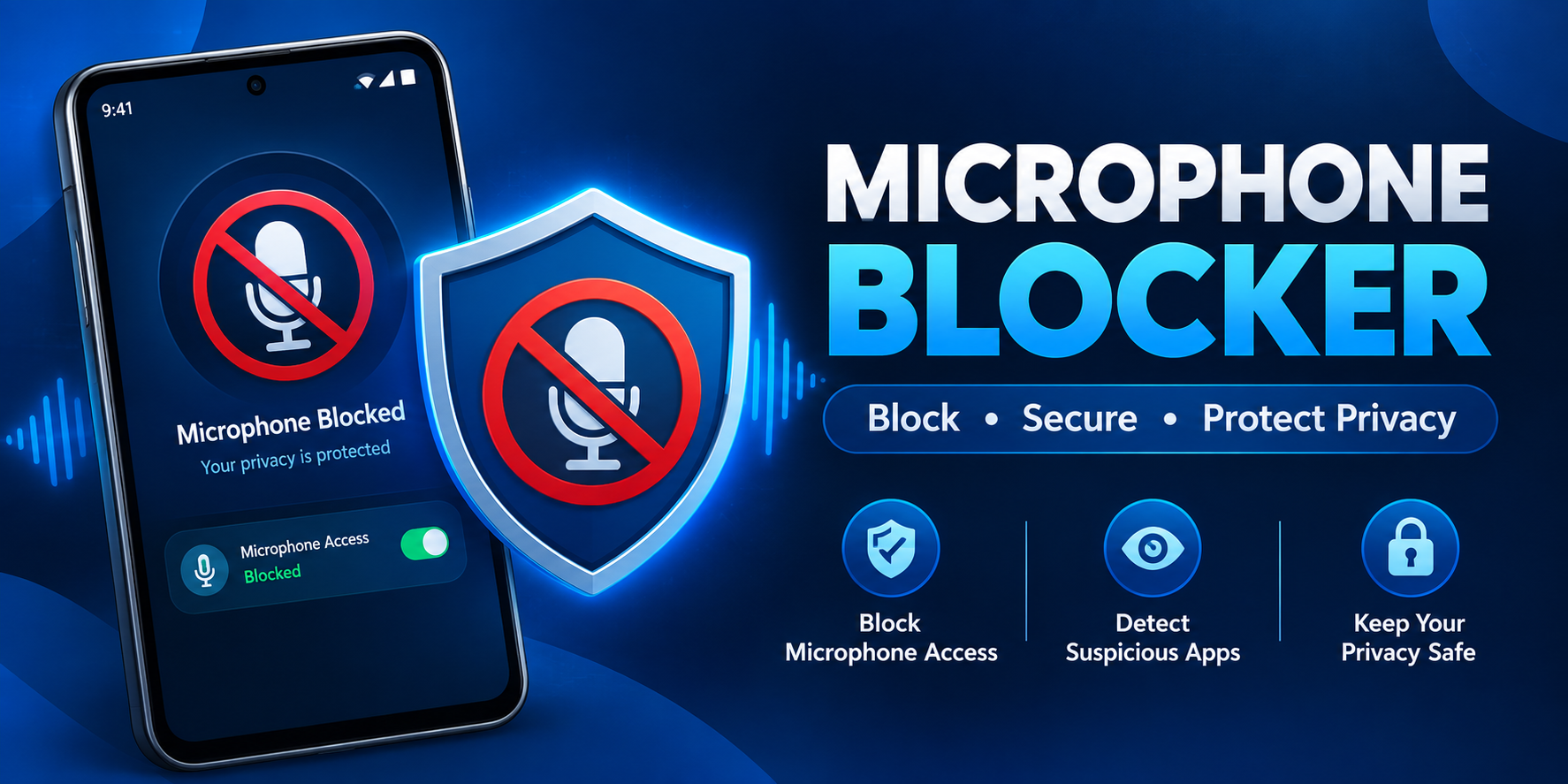
The core feature of Microphone Blocker is refreshingly straightforward: one-tap blocking and disabling of microphone access. Open the app, tap a button, and you cut off microphone access for all apps. This design philosophy is practical—most users don't want to dig through complex permission managers. They want a switch that works fast and reliably. According to the app description, it blocks spyware, malware, and viruses from eavesdropping and recording conversations, and it does so without requiring root and without interrupting normal phone calls. That last point matters a lot. Many similar tools either demand root (too high a barrier for average users) or break calling functionality when the mic is blocked. Microphone Blocker strikes a balance, letting you protect your privacy without sacrificing basic phone functions.
Beyond the Switch: Monitoring and Notifications
If it were just an on/off button, Microphone Blocker wouldn't be worth recommending. What makes it stand out is its monitoring and notification capabilities. The app lets you view and monitor which apps have microphone access, and it notifies you when a newly installed app gains microphone permission. You can set automatic blocking schedules—for example, during meetings or at night. It also includes a microphone detector that continuously watches for apps that might be listening in. This proactive monitoring means you're not just blocking after the fact—you're aware of microphone usage in real time. Imagine using a seemingly harmless note-taking app and suddenly getting a notification that it requested microphone access. That kind of alert could save you from a privacy leak.
Free vs. Pro: What You Need to Know
Microphone Blocker uses a freemium model. The free version offers the core blocking feature but with one critical limitation: the free version turns off between 8:00 PM and 10:00 PM daily. That means for two hours every day, your microphone protection is essentially "on vacation." For users who genuinely care about privacy, that window may be unacceptable. The Pro version (Microphone Blocker Pro) offers 24-hour uninterrupted protection and is ad-free, with no internet access and no private data collection. That last point is especially important—a privacy tool that needs internet access is a contradiction in itself. The Pro version's design shows the developer understands a core principle: the protector should not become a new risk. Pro comes with a lifetime license and no extra fees, making the one-time cost reasonable for long-term users.
What It Can't Do: Understanding the Limits
Every tool has boundaries, and Microphone Blocker is no exception. The developer is commendably honest about the app's limits: it cannot protect your phone calls from being recorded. The app description states: "Microphone Blocker protects your Android phone from being eavesdropped on and recorded by other apps infected with spyware, malware, viruses, or other monitoring code, but it cannot protect your phone calls from call recording. This app cannot protect calls. We recommend using end-to-end encrypted communication apps so your calls cannot be eavesdropped on." That means if someone records your call through the carrier or a third party on the line, Microphone Blocker can't help. User reviews also highlight real-world issues—one user reported that on Android 11, "when you turn off the mic, it turns itself back on," and another complained it "can't close all permissions like Camera Blocker does." These comments suggest compatibility and thoroughness may vary by device and OS version. On Android 12 and above, the system itself already offers a global microphone toggle and privacy indicators, so Microphone Blocker's value shifts more toward extra monitoring and automation.
The Privacy Paradox: Who's Protecting the Protector?
Here's a question worth pondering: how does a privacy-protecting app handle its own privacy? According to the third-party privacy analysis platform Exodus Privacy, Microphone Blocker's APK contains 2 trackers (crash reporting and analytics) and requests 14 permissions, including INTERNET (full network access), RECORD_AUDIO (record audio), and AD_ID (advertising ID). Google Play's Data Safety label also indicates the app may share location data, financial info, and other data with third parties, and may collect location, personal info, and more. This doesn't necessarily mean the app is "evil"—crash reporting and analytics are standard for many apps to improve quality. But when a privacy tool also has internet access and ad ID permissions, users have a right to ask: who is it really protecting? The Pro version claims "no internet access, no private data collection," which eases concerns somewhat, but it also means free users may be trading data for service.
Who Should Use Microphone Blocker?
This app isn't for everyone. If you're on Android 12 or higher, you already have a system-level global microphone toggle (in Quick Settings) and privacy indicators (the green dot in the status bar). Those system features cover most basic privacy needs. Microphone Blocker's real value lies in extra automation and management: scheduled blocking, new-app permission alerts, and a centralized list of all apps with microphone access. For professionals who regularly handle sensitive conversations—journalists, lawyers, doctors, business executives—or users with extreme privacy demands who want an extra layer of protection, this app offers a useful supplement to system features. But if you're only occasionally worried about "my phone listening to me," Android's built-in privacy controls may already be enough.
Final Verdict: Useful, But Not a Magic Bullet
Microphone Blocker is a practical but nuanced privacy tool. Its core feature—one-tap microphone blocking—addresses a real security problem, and the no-root design lowers the barrier to entry. Monitoring and notification features give users extra visibility, and the Pro version's 24-hour protection and "no internet access" promise show the developer is aware of the privacy paradox facing privacy tools themselves. However, its limitations are equally clear: no protection against call recording, device compatibility issues, a two-hour daily gap in the free version, and the app's own trackers and permissions deserve scrutiny. When it comes to privacy, no single tool provides absolute security. Microphone Blocker can be a useful piece in your privacy toolbox, but it shouldn't replace good security habits: regularly review app permissions, use end-to-end encrypted communication tools, and keep your system updated. True privacy protection starts with awareness and is built through action.